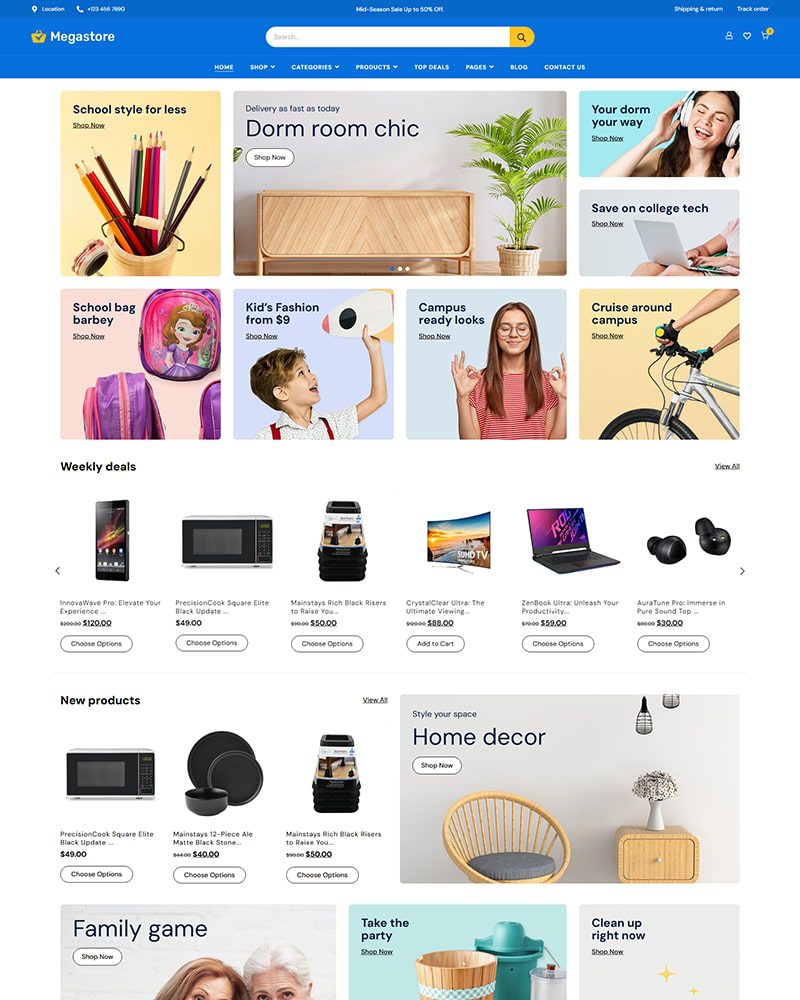
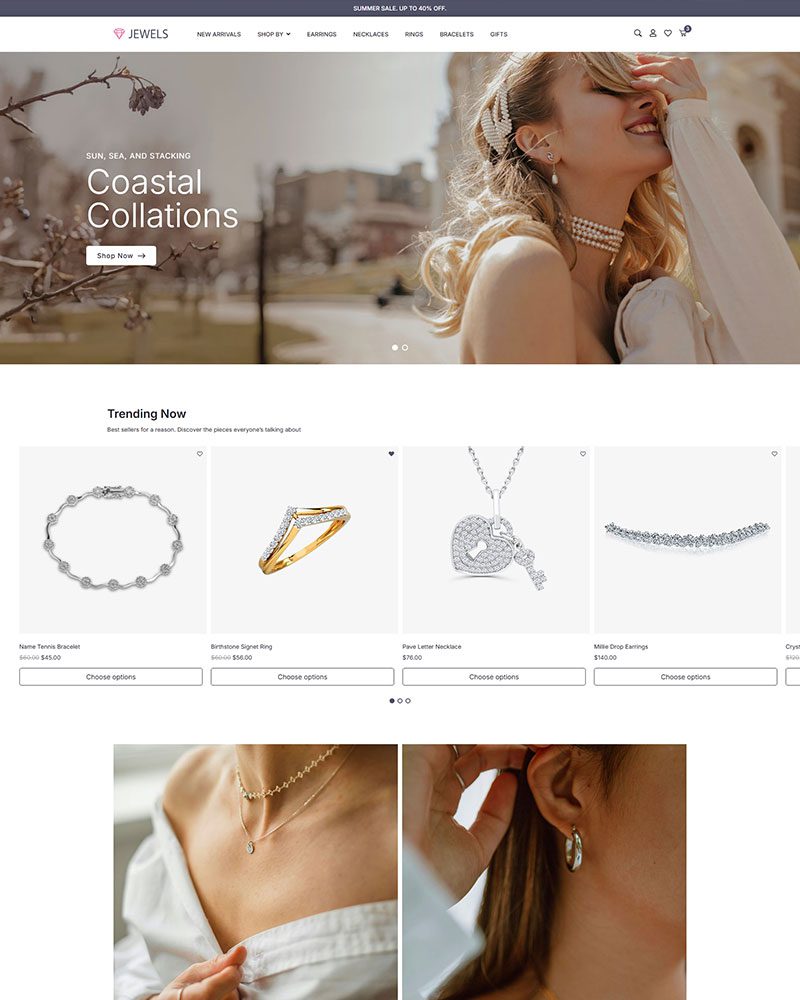
Furniture Shop Elementor Template for WordPress
Furniture Shop Elementor Template helps you launch a well-designed online shop quickly. It works with Elementor and Spexo Addons so you can drag and drop your way to a fully functional store. No coding, no complex setup.
This template loads fast, adapts to all screens, and works with standard plugins you already use.
Who This Template Is Designed For
This template works well for stores selling:
- Living room furniture
- Bedroom sets
- Office desks and chairs
- Outdoor seating and décor
- DIY Furnitures
Layouts keep navigation simple while highlighting large product visuals. This helps customers compare items and make buying decisions faster.
WooCommerce Integration for Furniture Shops
This template is fully compatible with WooCommerce. You can manage products, orders, customers, and payments from one dashboard. Product pages support large images, pricing details, stock status, and variations.
For furniture stores, this matters because customers often compare sizes, materials, and finishes. The layout keeps this information easy to read.
Product Variations and Custom Options
Many furniture products come in different sizes, colors, and materials. This template supports WooCommerce product variations properly. Customers can select options without page reloads. Prices update automatically.
In real projects, unclear variation layouts often lead to customer confusion. This template avoids that issue.
Regular Critical Security Updates
This template follows standard WordPress coding practices. It is built to work with regular core and plugin updates.
Spexo developers release regular updates to maintain security and compatibility. With ongoing updates and proper maintenance, this template supports long-term website reliability.
Maintenance Friendly Design
This template is easy to maintain. You can update plugins and WordPress safely. Spexo developers release regular updates for security and compatibility.
Code remains clean and structured. This reduces long term technical debt.
Video Guide to Install Furniture Shop Template
Watch this step-by-step video to install the furniture shop template, import design blocks, and configure your store with WooCommerce.
FAQs About Furniture Shop Template
Install Spexo theme and required plugins. Then import the template from the library. Customize it using Elementor.
No. The template works with free Elementor.
Free Spexo equiped with advanced features so you don't require Elementor Pro.
Yes. The layout is responsive and works on phones and tablets. Buttons and product sections remain easy to use.
Yes. It works well with large product lists when optimized properly.