
WooCommerce Elementor Addons & Widgets for High Converting Online Stores

What Are WooCommerce Elementor Addons?
Who Should Use These Widgets?
- WooCommerce store owners
- Dropshipping stores
- Digital product sellers
- Agencies building eCommerce websites
How Spexo Addons Improve Your WooCommerce Store?
Improve Customer Satisfaction
Design a store that provides an effortless and enjoyable shopping experience that customers want to return to.
Increase Conversions
Make the buying and payment processes simpler with fewer steps and less friction to lower the number of abandoned carts.
Reinforce Market Position
Adjust all parts of the store to ensure that it communicates what the brand stands for, increasing trust in the brand.
Increase SEO Optimization
Add breadcrumbs and other navigational links for products to the site to improve ease of use and increase search visibility.
Included WooCommerce Widgets
Product Grid
Show products in responsive grid layouts. Use it for category pages and featured collections. View Product Grid Widget
Product Carousel
Display products in a horizontal carousel layout. Use it for upsells and related product sections. View Product Carousel Widget
Product Slider
Show products in a sliding banner format. Use it for hero sections and promotions with Woocommerce. View Product Slider Widget
Cart Page
Design a custom cart layout in Elementor. Always test totals and coupon flow on mobile. View Elementor Cart Page
Checkout Page
Build checkout layouts with Elementor sections. Always test payment and validation before launch. View Elementor Checkout Page
Product Mini Cart
Add a mini cart dropdown for quick access. It helps users review items without leaving the page. View Product Mini Cart Widget
Product Breadcrumbs
Show breadcrumb navigation on store pages. It improves navigation and internal linking paths. View Product Breadcrumbs Widget
Product Add to Cart
Add add to cart UI inside custom product templates. Test variation selection for variable products. View Product Add to Cart Widget
Product Price
Display product pricing blocks with style control. Keep spacing consistent with the buy section. View Elementor Product Price Widget
Product Media
Show product images and gallery media blocks. Test zoom and swipe behavior on mobile devices. View Product Media Widget
Product Tabs
Display description and specs in a tab layout. Use it to keep product pages compact and readable. View Elementor Product Tabs Widget
Product Meta
Show categories, tags, and product metadata blocks. It helps users understand product context quickly. View Elementor Product Meta Widget
Product Rating
Display product ratings and review summary UI. It supports trust signals on product pages. View Product Rating Widget
Product Sale Badge
Show sale badges for discounted products. Use consistent placement across product cards. View Product Sale Badge Widget
Product Notice
Display notices and message blocks for products. Use it for shipping notes and availability alerts. View Product Notice Widget
Product Excerpt
Show short product summaries near the title. It helps to keep text short for better scanning. View Product Excerpt Widget
Product Stock
Display stock status and availability messages. It reduces checkout surprises for buyers. View Product Stock Widget
Product Content
Show extra attributes and product details blocks. Use it for technical products and specs. View Product Content Widget
Why Use WooCommerce Elementor Addons for Your Store
Related Guides and Resources
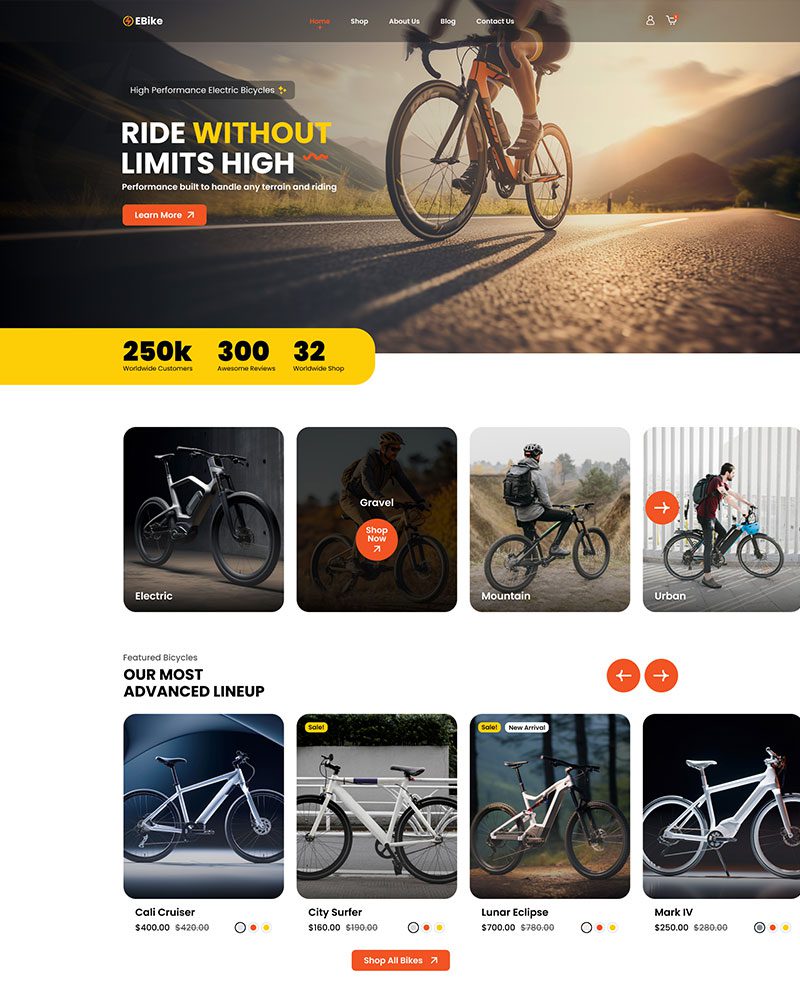
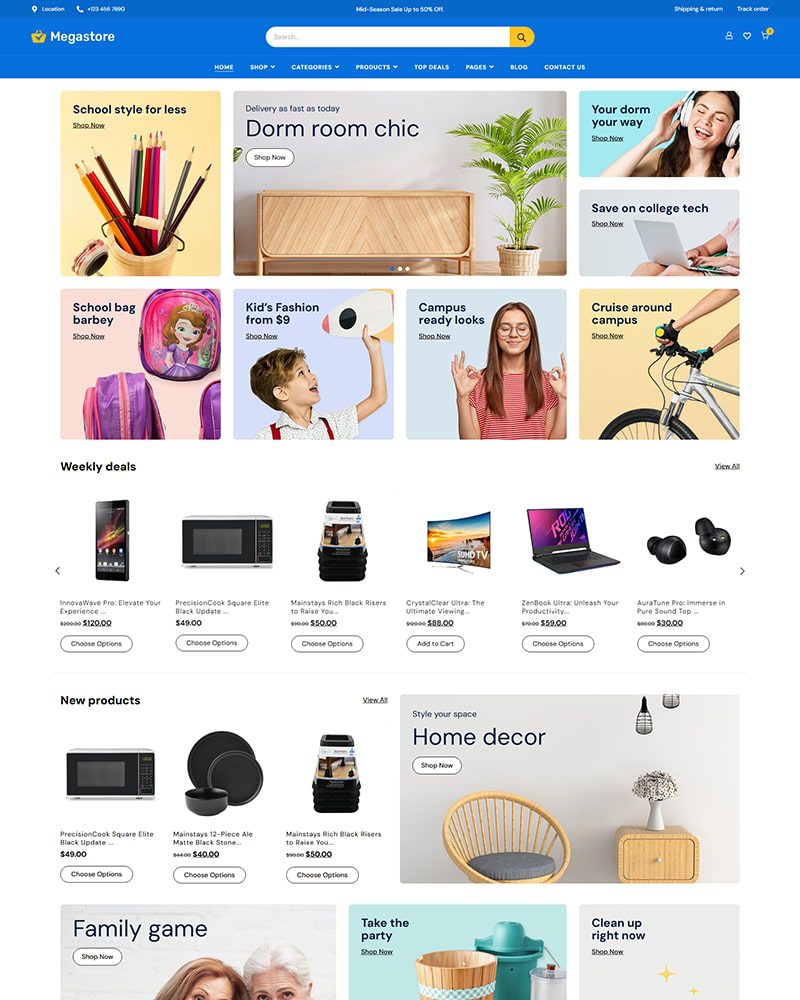
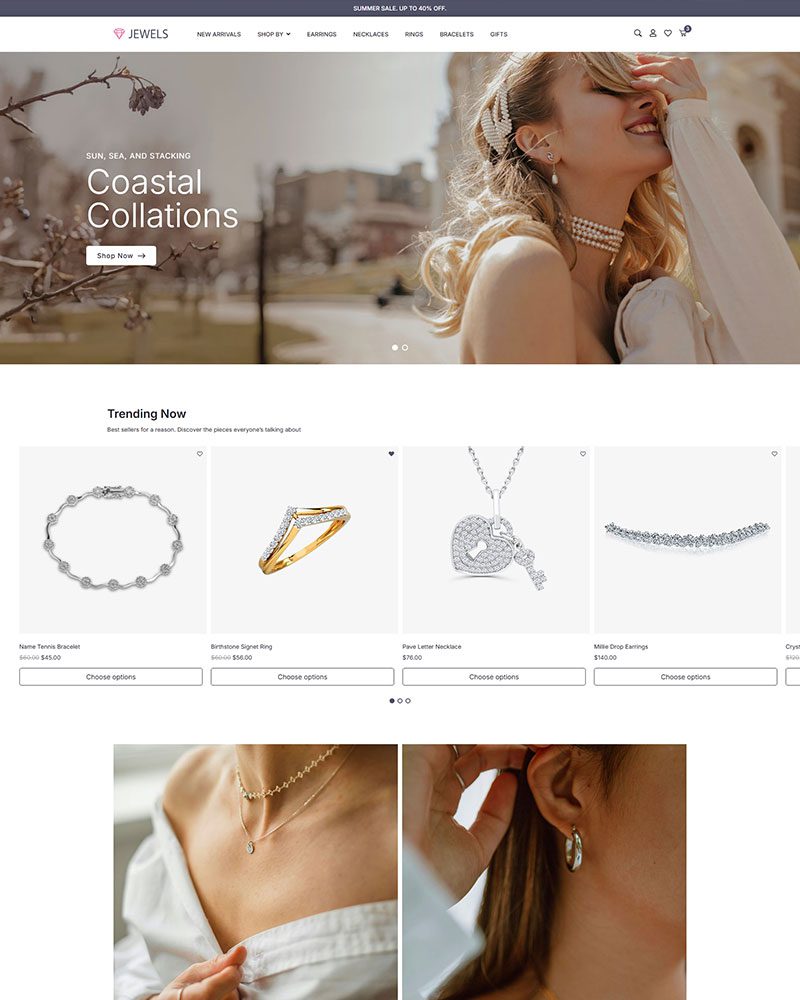
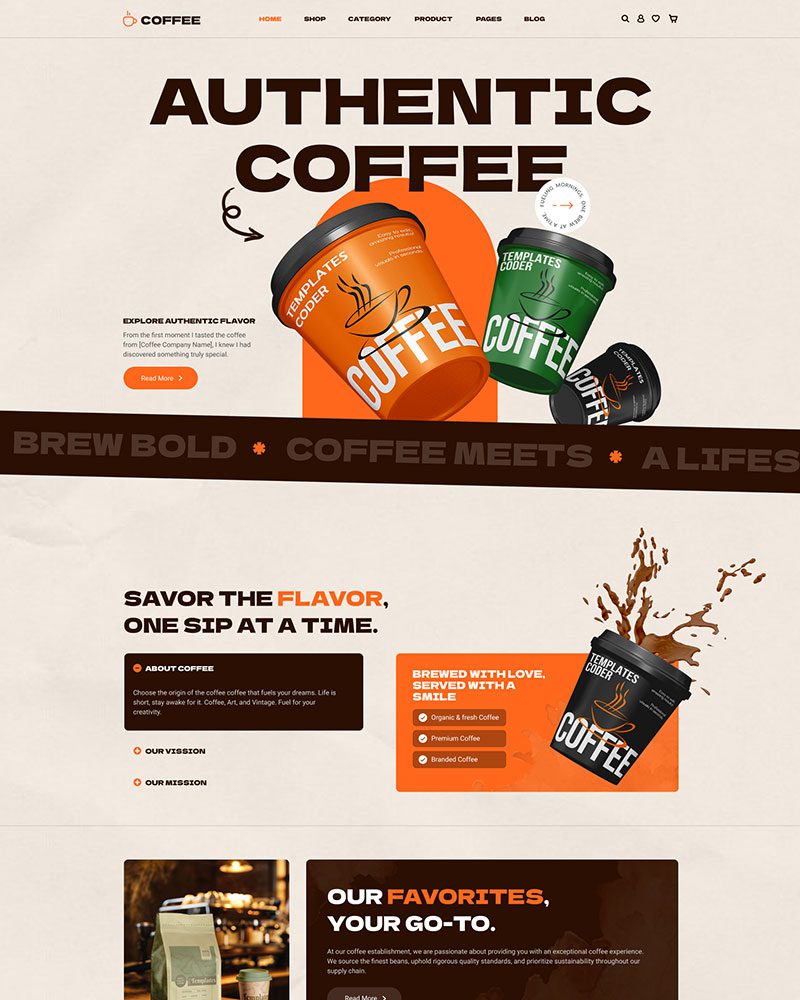
Related Woocommerce Elementor Templates
Get professionally designed ready-made Elementor Templates that can be imported in a few clicks and build websites faster than ever before!




How to Improve Product Displays with WooCommerce Elementor Widgets
Improve Product Visibility and Layout
Product presentation directly affects engagement and click-through rates. Structured layouts help customers scan and compare products faster.- Responsive Product Grids: Control columns, spacing, and alignment for desktop and mobile layouts.
- Featured Product Carousels: Highlight best-sellers, promotions, or seasonal collections.
- Dynamic Sliders: Showcase curated collections to improve product discovery.
Enhance the Shopping Experience
A frictionless buying journey reduces cart abandonment and increases completed orders.- Custom Cart Layouts: Simplify cart review and improve clarity.
- Optimized Checkout Design: Reduce distractions and align checkout with your brand.
- Mini Cart Preview: Allow customers to review items without leaving the page.
Display Product Information with Clarity
Clear product information builds trust and supports confident purchasing decisions.- Ratings and Reviews: Strengthen social proof.
- Stock Indicators: Create urgency and transparency.
- Price and Sale Badges: Highlight discounts effectively.
- Product Tabs: Organize specifications and details cleanly.
- Breadcrumb Navigation: Improve usability and SEO structure.
- Meta and Attributes: Display SKU, categories, and technical details clearly.
Getting Started with WooCommerce Elementor Addons
- Install and activate Spexo Addons.
- Enable WooCommerce widgets from the dashboard.
- Drag and drop widgets inside Elementor.
- Test cart and checkout flow before going live.
Need more help?
For full setup instructions, read our detailed documentation on how to configure every WooCommerce widget.
FAQs about WooCommerce Widgets
WooCommerce Elementor addons are widgets that extend Elementor with product-focused features. They help you design shop pages, product layouts, cart sections, and checkout templates visually without editing WooCommerce template files.
Yes. Spexo WooCommerce widgets let you customize single product pages inside Elementor. You can add widgets for product title, price, rating, image gallery, tabs, and related products. Layout and styling are fully controlled inside the Elementor editor without touching template files.
They can if too many widgets or scripts load on every page. Spexo Addons uses a modular approach so you enable only the widgets you need. This reduces unnecessary assets and keeps page performance stable.
Yes. WooCommerce must be installed and activated before using WooCommerce Elementor widgets. These widgets extend WooCommerce features inside the Elementor editor.
Yes. Spexo Addons includes dedicated Cart Page and Checkout widgets that let you design these layouts visually inside Elementor. You can control the structure and styling of both pages without editing WooCommerce template files.
Yes. Spexo WooCommerce widgets work with the free version of Elementor for most store layouts including product grids, carousels, and mini cart. Elementor Pro is required if you want to use Theme Builder conditions to create single product or archive templates.
Spexo WooCommerce widgets work with most Elementor-compatible WordPress themes including Astra and Hello Elementor. They do not replace your theme or override the full site structure. For best results, use a lightweight theme that supports both Elementor and WooCommerce.
Yes. Core WooCommerce widgets in Spexo Addons are available in the free version. This includes widgets for product grids, carousels, mini cart, and single product page elements. Some advanced features and additional widgets are available in the Pro version.
Spexo Addons includes a Product Grid and Product Carousel widget you can drag directly into any Elementor layout. You choose the number of columns, rows, and which products to display using widget settings. No coding is required to set up or style the product display.
Spexo Addons includes a Product Grid and Product Carousel widget you can drag directly into any Elementor layout. You choose the number of columns, rows, and which products to display using widget settings. No coding is required to set up or style the product display.
Navigation:


