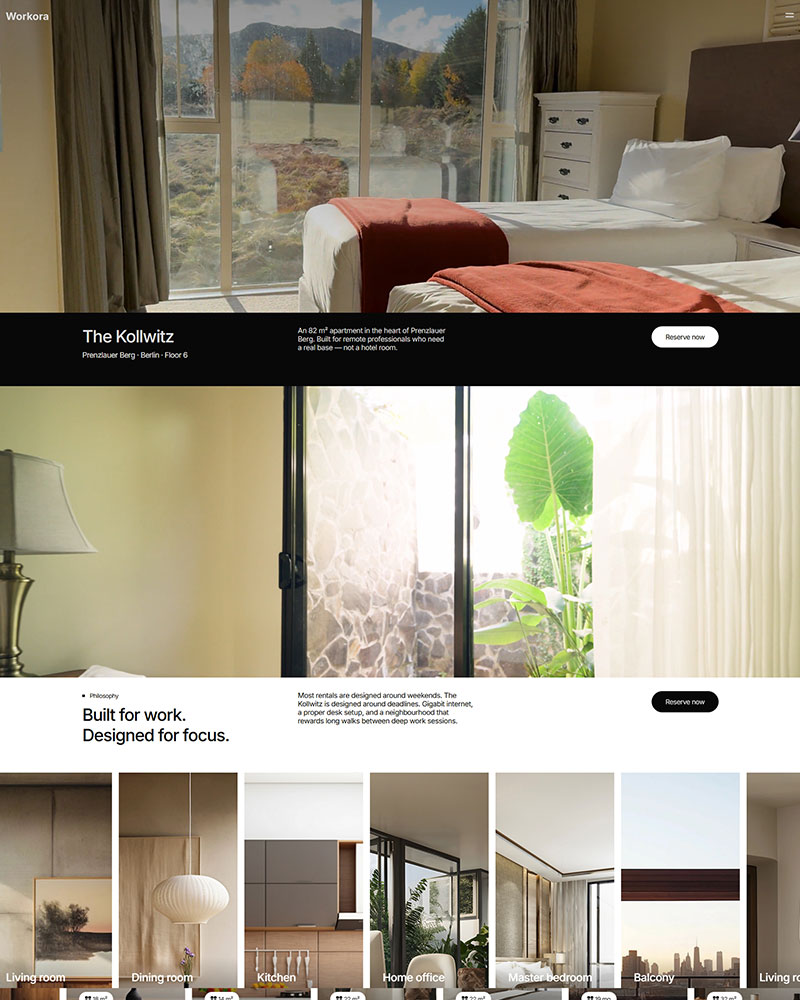
Real estate investment firms, property fund managers and real estate advisory companies use this free WordPress template to present strategy and portfolio results in one structured layout. It comes with 7 prebuilt pages built for Elementor and Spexo Addons including Investments, Strategies and Team. No coding is required and you can publish in under an hour.
Who the Modern Real Estate Elementor Template is for
Real estate investment firms, property fund managers and REIT-style investment companies fit this template well. It also works for real estate advisory firms and property syndication groups that raise capital from investors. Wealth management firms that specialize in property assets can use the Strategies and Initiatives sections to showcase past deals.
What’s included in the Modern Real Estate template
- Overview page with hero, strategy highlights, and an investor call to action
- Investments page for listing funds or property investment offerings
- Strategies page explaining your investment approach and methodology
- Our Team page with advisor and fund manager profiles
- Initiatives page for past projects and portfolio case studies
- Contact page with an inquiry form for prospective investors
- FAQ page addressing common investor questions
- Header and footer designs, including a sticky header variant
Key features of the Modern Real Estate Elementor Template
Investment strategy showcase. The Strategies page walks a visitor through your approach before they ever pick up the phone. You can break the methodology into steps or pillars using Elementor’s layout controls. This structure suits firms that need to explain risk and process before asking for a commitment.
Portfolio and initiatives display. The Initiatives page presents past projects in a grid so investors can scan results quickly. Each entry can include a summary, outcome and photo. The layout stays fast and mobile responsive as you add more entries.
Team credentials section. Advisor and fund manager bios sit on their own page rather than buried in an about section. This gives prospective investors a clear view of who is managing their capital. Photos, titles and short bios are all editable through Elementor.
Investor inquiry form. The Contact page includes a styled form built for lead capture rather than generic support requests. You can connect it to a CRM or email list through standard WordPress plugins. Colors and fonts on the form follow your global theme settings. It never looks like a plugin someone bolted on afterward.
How to install the Modern Real Estate Elementor Template
- Install the free Spexo theme from WordPress.org
- Install Spexo Addons for Elementor
- Go to Spexo Addons > Prebuilt Websites
- Find the Modern Real Estate template and click Import Site
- Add your investment strategies, fund details, and team profiles, then publish
Modern Real Estate Elementor Template vs other options
Paid ThemeForest finance and investment kits often cost between $30 and $60 and still need manual setup for fund pages and team sections. The Modern Real Estate Elementor Template is free and ships with those sections already built for Elementor. By contrast, the standard Real Estate Elementor Template is built around property listings and agent profiles. This one is structured for firms presenting investment strategy and fund performance instead of individual homes for sale. If you also manage rental units alongside investment properties, see also the Property Rental Elementor Template.
| Feature | Modern Real Estate Template | Real Estate Elementor Template |
|---|---|---|
| Best for | Investment firms and fund managers | Agents and property listing sites |
| Core focus | Strategy and portfolio performance | Individual property listings |
| Key page | Strategies and Initiatives | Property listing grid |
| Contact goal | Investor inquiry | Buyer or renter inquiry |
Demo, screenshots, and live preview
See the Modern Real Estate Elementor Template in the live preview before you import it. The homepage screenshot shows the Investments and Strategies sections in their default layout. Every section becomes editable once you import the template into your own WordPress dashboard.
Frequently asked questions
Is the Modern Real Estate Elementor Template free?
Yes. The Modern Real Estate Elementor Template is free to download and use with the Spexo theme and Spexo Addons plugin. A Pro upgrade unlocks extra widgets if you need them later.
Do I need Elementor Pro to use it?
No. The template works with the free version of Elementor. Elementor Pro adds extra widgets. The Investments, Strategies and Team sections all work without it.
Can I add my own investment strategies and fund details?
Yes. Every section is editable through Elementor, including the Investments and Strategies pages. Replace the sample fund names, numbers and team photos with your own.
Does it include a contact form for investor inquiries?
Yes. The Contact page includes a form built for investor inquiries. You can connect it to your CRM or email list through standard WordPress form plugins.
Is the template mobile responsive?
Yes. The layout adjusts automatically across desktop, tablet and mobile. The Strategies and Initiatives grids stay readable when an investor checks your site from a phone.
Can I customize the colors and fonts?
Yes. Colors and fonts are controlled through global settings in Elementor, so you can match the palette to your firm’s brand instead of using the default theme colors.
How do I import the Modern Real Estate Elementor Template?
Install the free Spexo theme and Spexo Addons plugin, then import the template from Spexo Addons > Prebuilt Websites inside your WordPress dashboard.
Ready to build your investment firm’s website? Use the live preview to explore every section, then download the free template and start editing today.
For a broader look at what the theme itself offers, visit the free Spexo Elementor theme page.