Popup Image
Popup Image

⚡ Build your WordPress website faster with Spexo Theme Free Download →

Personal Portfolio Elementor Template

Build a clean and professional WordPress portfolio website using this free Elementor template. It is designed for freelancers and creatives. You can customize everything without coding.

Personal Portfolio Elementor Template for WordPress

The Portfolio Template helps you build a professional online portfolio without coding. It works with Elementor and Spexo Addons. You can design pages using simple drag and drop tools. Your work remains clear and easy to explore.

This template is built for performance and stability. It loads quickly on all devices. It follows clean design standards. Visitors can browse your content without confusion.

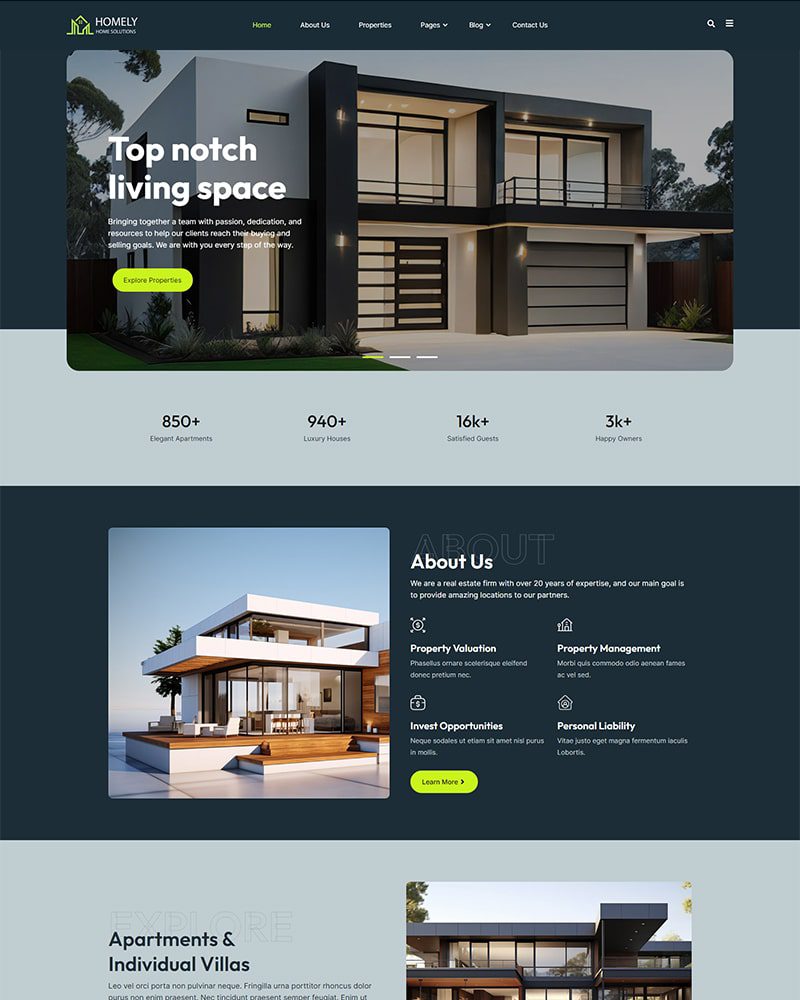
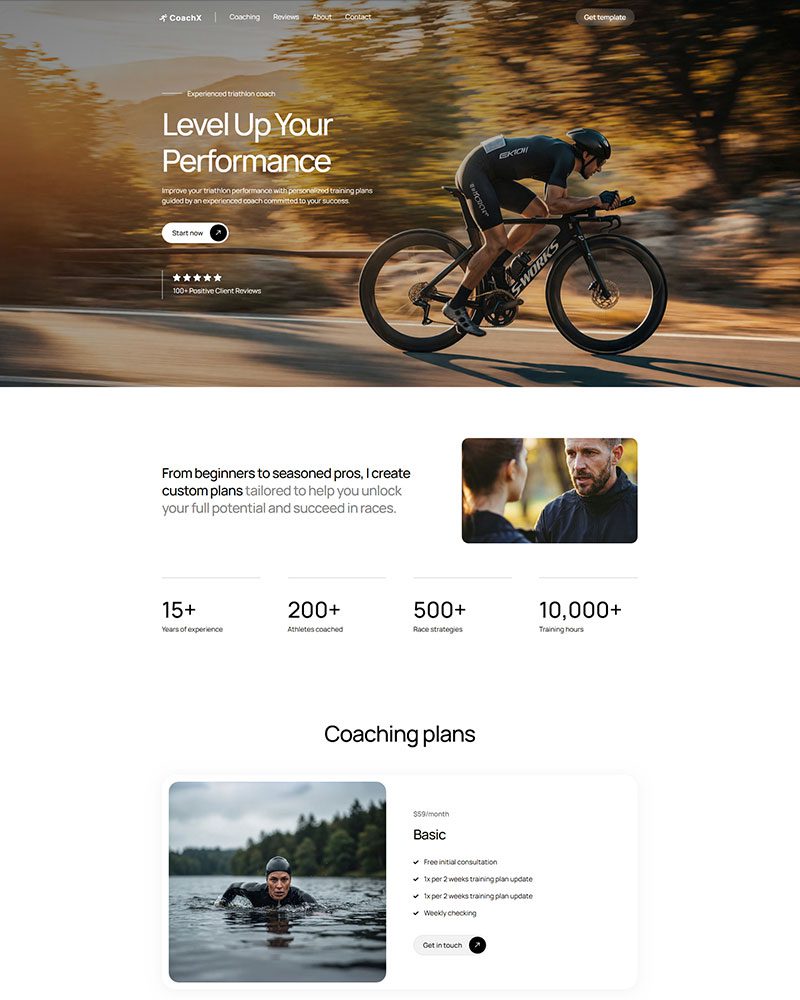
Personal portfolio Elementor template layout overview
Elementor portfolio template features list for faster site setup

Built for WordPress and Elementor

This template is a ready made website layout for personal portfolios. It includes structured pages for projects and profiles. It supports About and Contact sections. You can manage everything from WordPress.

You do not need extra design plugins. You do not need custom code. The layout works out of the box. It stays consistent across pages.

Who Should Use This Template

This template is suitable for freelancers and designers. It works well for developers and photographers. It also fits content creators and consultants. Anyone who needs a professional portfolio can use it. Small agencies can also benefit from this layout. It helps present case studies clearly. It builds trust with visitors. It supports long term growth. You can also checkout our Digital Agency Elementor Template
Personal portfolio website example for freelancers and developers
Spexo Addons widgets used inside a portfolio Elementor template

Spexo Addons Integration

This template is built using Spexo Addons for Elementor. The addon system provides advanced widgets. It includes portfolio grids and testimonial blocks. It also supports contact sections. Using a unified addon system reduces conflicts. It also comes with collection of Elementor template kits.

In real projects, multiple addons create maintenance issues. Some updates break widgets. Some layouts stop working. Spexo Addons reduces these risks.

SEO Speed and Mobile Performance

This template follows clean HTML structure. It uses proper heading hierarchy. It supports modern optimization tools. It works well with SEO plugins.

Page speed is optimized by default. Layouts use lightweight elements. Images load correctly. Mobile browsing remains smooth. In real websites, slow performance hurts rankings. It also reduces engagement. This template helps avoid those problems.

Mobile responsive portfolio template with fast loading layout
Free Updates Secured Elementor Template

Maintenance and Long Term Support

Maintenance keeps your site reliable. Updates keep it secure. Performance checks prevent slowdowns. Backups protect data. Many sites fail due to neglect. Small issues grow silently. Broken links remain unnoticed. Slow pages become normal.

Create a simple routine. Update monthly. Review backups weekly. Test key pages after changes.

Questions About Portfolio Template

It is a ready made website layout for portfolios. It works with Elementor and Spexo Addons. It requires no coding.

Yes. The base version is free. It works with the Spexo theme.

Yes. It works with popular form plugins. Forms can be styled visually.

Yes. Spexo developers release compatibility and security updates.

Personal portfolio Elementor template layout overview

Featured On

Award winning Elementor template designs.
wordpress-logo
Design Nominees Award
CSSLIGHT Award
BEST CSS Award
CSSREEL Award
Top Design King Award

What Comes with Every Spexo Elementor Template

Our free Spexo Elementor templates has an industry wise modern website structure. It comes with prebuilt pages such as About Us, home, services, Contact Us, blog, etc. Our Elementor themes have basic templates, such as a single blog page, Header and footer, 404 page, etc. We made it easier for the website to add new pages, adjust the current ones, and enhance its styles.

90+ widgets and extensions

Every Spexo template includes access to 90+ Elementor widgets and extensions. You get sliders, post grids, popups, form builders, and WooCommerce widgets in one install. No separate plugin purchases are needed to use them.

team-member

Elementor page builder integration

Spexo is built for Elementor from the ground up, so every design setting is pre configured when you import the template. You open Elementor and the layout, spacing, and typography are already in place. Edits start immediately without adjusting theme defaults first.

magazine-grid

50+ ready made Elementor templates

Spexo Addons includes a library of 50+ ready made Elementor templates covering a wide range of industries. Each template imports in one click from the Prebuilt Websites panel in your WordPress dashboard. You can also import individual page layouts from other templates to combine with this one.

woo-grid-1

Layout and column controls

Spexo gives you full control over column structure, spacing, and section layouts directly in Elementor. You can switch between boxed and full width layouts at the page level or the section level. No custom CSS is needed to adjust how content sits on the page.

data-table

Header and footer builder

Spexo includes a dedicated header and footer builder inside Elementor. You can create sticky headers, transparent headers, and custom footers without writing code. Any header or footer you build applies globally across the site unless you override it on a specific page.

lottie-animations

Fast loading and lightweight

Spexo loads fast because it does not load scripts and stylesheets your template does not use. Pages built on Spexo consistently score well on Core Web Vitals without extra optimization plugins. Global color and typography settings let you apply design changes across the entire template from one panel.

advance-accordion

Responsive design

Every Spexo template is fully responsive on mobile, tablet, and desktop. Column layouts, font sizes, and image ratios adjust automatically at each breakpoint. You can preview and edit the mobile layout directly in Elementor without touching code.

simple

Full design control

Every element of a Spexo template is editable through the Elementor drag and drop editor. You can change colors, fonts, spacing, images, and section order without touching any files. Global design settings in the Spexo theme customizer let you update site wide styles in one place.

product-rating

Built with SEO structure

Spexo templates are built with a clean heading structure and semantic HTML that search engines can read correctly. Each template uses a single H1, a logical H2 and H3 hierarchy, and properly labeled elements out of the box. The theme generates lean code so page load times stay fast, which is a direct search ranking factor.

have-fun

Regular theme and template updates

Spexo receives regular updates that cover compatibility with new versions of Elementor, WordPress, and WooCommerce. Updates are delivered through the standard WordPress plugin and theme update system. You can check the changelog for a full list of what each release covers.

Have any Questions?

Have any doubts about Spexo Addons Pro? Here are some frequently asked questions that should answer most of yours.

Yes, we provide you with a free Spexo theme.

Spexo theme is suitable for Elementor. You can explore list of elementor themes on our website. You can choose the best, most reliable, fast, and lightweight theme that fits your requirements.

Yes, we provide you with ready to use templates to create your websites in a few seconds.

When there are updates for our themes, you will get a notification on your WordPress backend.

Install the Spexo theme and Spexo Addons plugin on your WordPress site. Then import the template from the demo library with one click. Your pages will be ready to customize immediately after import.
No. The free version of Elementor works with this template. Spexo Addons provides the widgets and layout features used in the design. You do not need an Elementor Pro subscription to get started.
Yes. The template works with Elementor's drag and drop editor. You can change colors, fonts, images, and layout directly from the WordPress dashboard. No coding knowledge is required.
Yes. The template is built to work on all screen sizes. It adjusts automatically for mobile phones, tablets, and desktops. You do not need to make separate edits for each device.

Related Guides and Resources

Explore related documentation and guides to understand Elementor templates, setup steps, and real use cases. These resources help you build better website layouts with Elementor.

Checkout Other Elementor Templates

Get professionally designed ready-made Elementor Templates that can be imported in a few clicks and build websites faster than ever before!