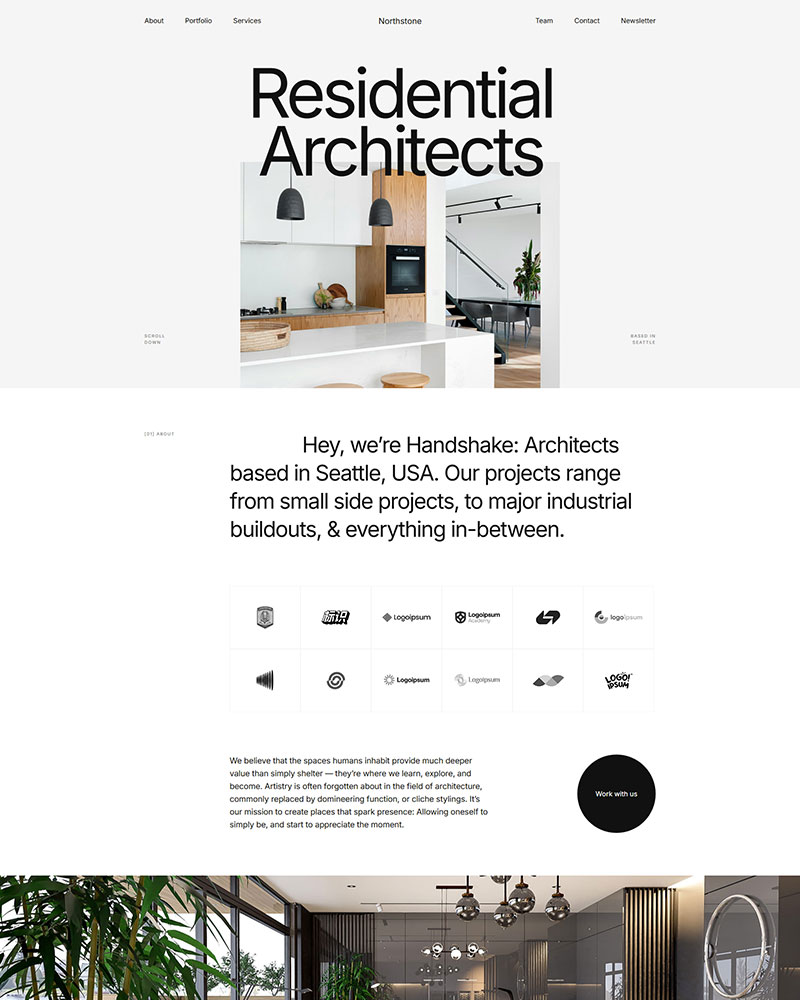
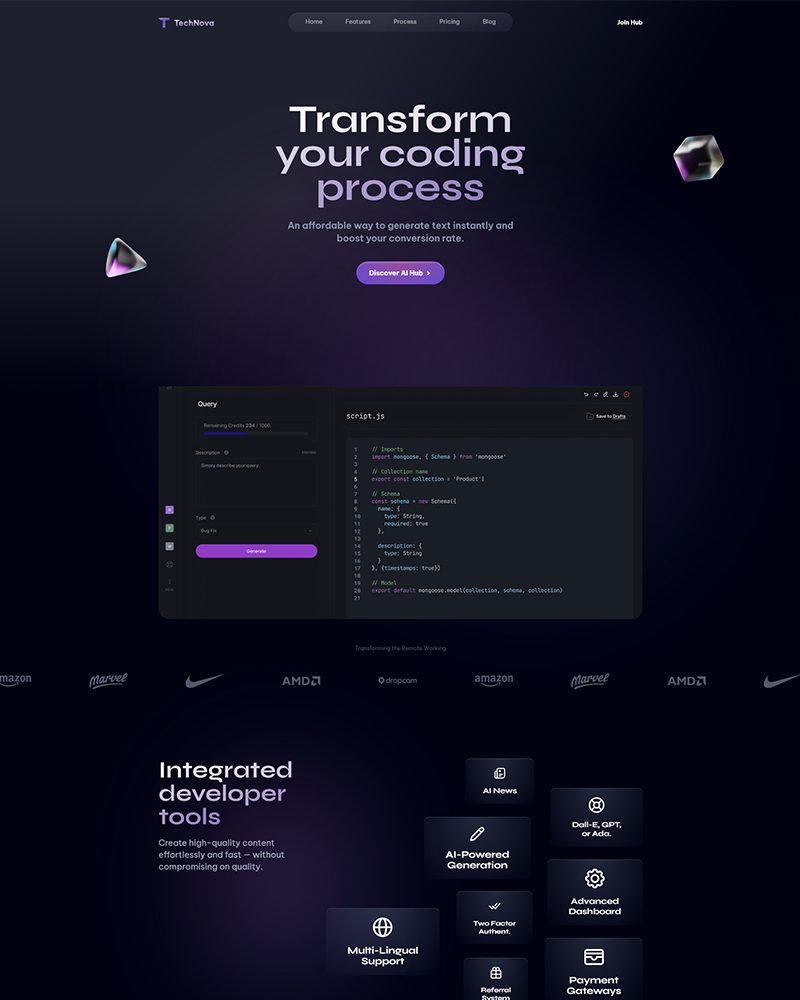
What is the Real Estate Elementor Template?
The Real Estate Elementor Template is a free WordPress layout built for agencies and independent agents who need listings, agent profiles and inquiry forms on day one. It works with Elementor Free and the Spexo Addons plugin. You can import the full site and go live the same day.
Who this real estate template is for
Independent realtors who handle a handful of listings at a time use this
free Elementor template to build a personal brand site without a large budget. A solo agent working a specific suburb or city can present their current listings and a contact form on a site that looks as polished as a large agency. The template gives that professional appearance from day one.
Small property management companies with a mix of sales and rental listings benefit from the separate listing sections. Holiday rental hosts who manage several short-stay properties can adapt the listing cards to show nightly rates and availability notes. Developers selling new residential projects use the featured property section on the homepage to highlight their current release above the general listings grid.
What is included in the Real Estate template
- Homepage with hero search section, featured listings row, and agent intro
- Property listings archive page with card grid and filter options
- Single property detail page with image gallery, full specs, and side inquiry form
- Agent profile page with photo, credentials, and active listings
- About page with agency story and team section
- Contact page with map embed, phone, and email form
- Sticky header with navigation and phone CTA
Key features for real estate websites
Property listings grid with consistent card format. Each listing card shows a featured photo, price, bedroom count, bathroom count, and suburb label in a fixed layout. Buyers comparing multiple properties see the same data points on every card. That consistency lets them scan a full page of listings and shortlist properties in under two minutes without clicking into each one individually.
Single property page with specs and inquiry form side by side. The detail page layout puts the property image gallery at the top and a two-column section below it. The left column covers floor area, land size, property type, car spaces, and year built. The inquiry form sits in the right column. A buyer who reads the full specs and decides the property is worth pursuing can submit a viewing request without scrolling back to the top. That proximity between information and action captures leads at the decision point.
Agent profile cards with listing counts. Each agent card shows a headshot, name, phone number, and the number of active listings assigned to them. Buyers who prefer to deal with a specific agent can browse the team page and go directly to that agent’s profile. This is standard practice on agency websites and the template handles it without a separate staff directory plugin.
Homepage hero with search entry point. The hero section includes a search bar with property type and location fields above the fold. Visitors who arrive with a specific suburb or property type in mind can filter immediately without scrolling to the archive page. This reduces the number of steps between landing and finding a relevant listing.
How to install the Real Estate Elementor Template
The full site imports in one click and takes under 10 minutes to set up.
- Install the free Spexo theme from WordPress under Appearance > Themes
- Install and activate the Spexo Addons for Elementor plugin from the WordPress plugin directory
- Go to Spexo Addons > Prebuilt Websites in your WordPress admin
- Find the Real Estate template and click Import Site
- Replace the placeholder property photos and listing details with your actual listings, enter your agency name and agent photos, and update the contact form email address to your inbox
Real Estate Elementor Template vs a blank starter theme
Starting from a blank theme like Hello Elementor means designing the listing card, the detail page column layout, the agent profile card, and the search hero section from scratch. That typically takes a designer 12 to 18 hours for a property site of this scope. The Real Estate Elementor Template delivers those components already built. The only work left is replacing placeholder content with real listings.
If your business also handles financial services or mortgage referrals alongside property sales, the
Finance Elementor Template covers the service page structure and trust-signal layout suited to that positioning.
Want access to every Spexo template in one place?
This Real Estate template is free. Upgrading to Spexo Pro gives you the complete template library plus Pro Elementor widgets under one license. Every template is included — no individual purchases required.
See Spexo Pro Plans
Live preview and screenshots
The live demo shows the homepage with the hero search section, the listings archive grid, a single property detail page, and the agent profile layout. Open the demo on mobile to check how the listing cards and detail page columns adapt to a phone screen before you import.
View the Real Estate Elementor Template live demo before importing.
Frequently asked questions
Is the Real Estate Elementor Template free?
Yes. The template downloads and publishes at no cost. It works with the free Spexo theme and the free Spexo Addons plugin. You do not need a paid license to import it or use it on a live site.
Can I add real property listings to this template?
Yes. The listing cards are standard Elementor sections you edit directly in the page builder. For a large and regularly updated listings database, you can pair the template with a property listing plugin such as Estatik or WP-Property. Those plugins output listing data into the existing card layout without redesigning the page structure.
Does the template work for rental properties as well as sales?
Yes. The listing card layout accepts any price format including weekly or monthly rental rates. Property managers who handle both sales and rentals typically duplicate the listings archive section and create two separate grids on the same page. That takes about 15 minutes in the Elementor editor and requires no additional plugins.
Can buyers submit viewing requests through the template?
Yes. The single property detail page includes an inquiry form in the right column next to the property specifications. Connect it to WPForms, Fluent Forms, or any WordPress form plugin to receive viewing requests by email. The form captures the buyer’s name, phone, and preferred viewing time. You can add or remove fields without touching the page layout.
Do I need Elementor Pro to use this template?
No. The listing grid, detail page layout, agent profile cards, map embed, and inquiry forms all use Elementor Free widgets. A real estate agency building its first website can launch the full site without spending on any paid plugin or theme subscription.
Is the Real Estate template mobile responsive?
Yes. On mobile, the property listing grid collapses from three columns to a single-card stack so each listing fills the screen width and remains easy to tap. The detail page two-column layout stacks vertically with the image gallery at the top, specs in the middle, and the inquiry form below. Buyers browsing listings on a phone see a clean sequence without horizontal scrolling or overlapping elements.
Can I change the colors to match my agency branding?
Yes. Elementor Site Settings lets you update the Global Colors for the entire site from one panel. Change your primary brand color once and every button, heading, accent, and card border updates across all pages at the same time. Real estate agencies typically align the template color to their existing signage or logo colors. The update takes under 5 minutes.